
With the release of Data Query Piano Analytics, the Month and Weekday properties adopted the alphanumerical format.
-
The Month property indicates the month of the measurement date: January, February, etc.
-
The Weekday property indicates the weekday of the measurement date: Monday, Tuesday, etc.
As with all alphanumerical properties, the interface enables sorting in alphabetical order. As this sort does not correspond to the chronological order, we have created two additional properties: Month number and Day number.
-
The Month number property indicates the measurement date month number (from 1 to 12).
-
The Day number property indicates the day number of the measurement date (from 1 to 7).
You can therefore use a numeric property to apply a chronological sort to your analysis:
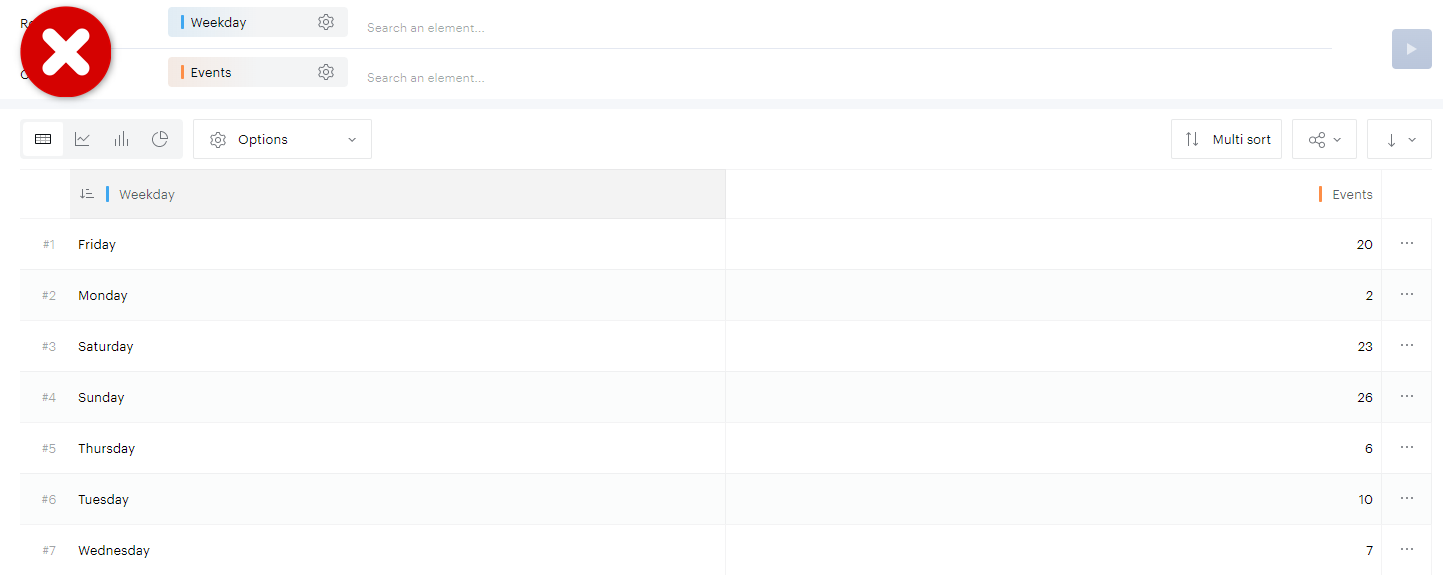
Sorting applied to the Weekday property→ Alphabetical order
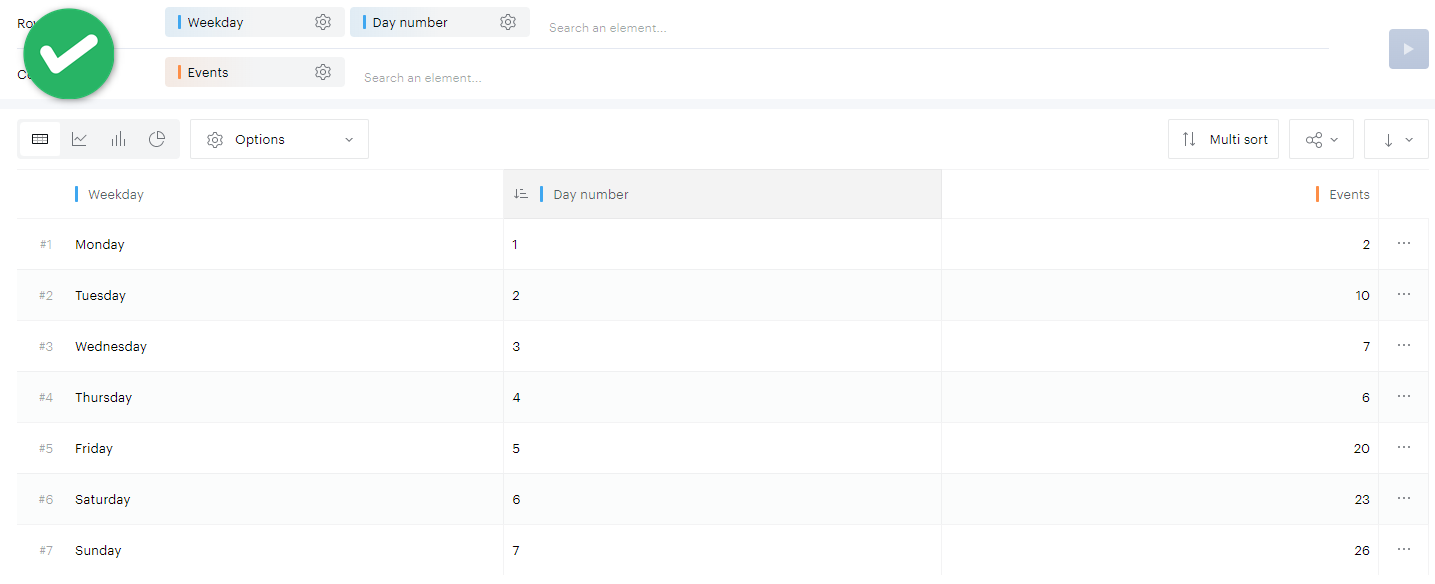
Sorting applied to the Day number property → Chronological order
It is then possible to hide the numerical property.