At present, it is not possible to change the type of a property in your data model. This limitation exists because changing a property’s type could break reporting and interpretation of historical data collected under the original type.
If you need to use a different type, use the following approach:
-
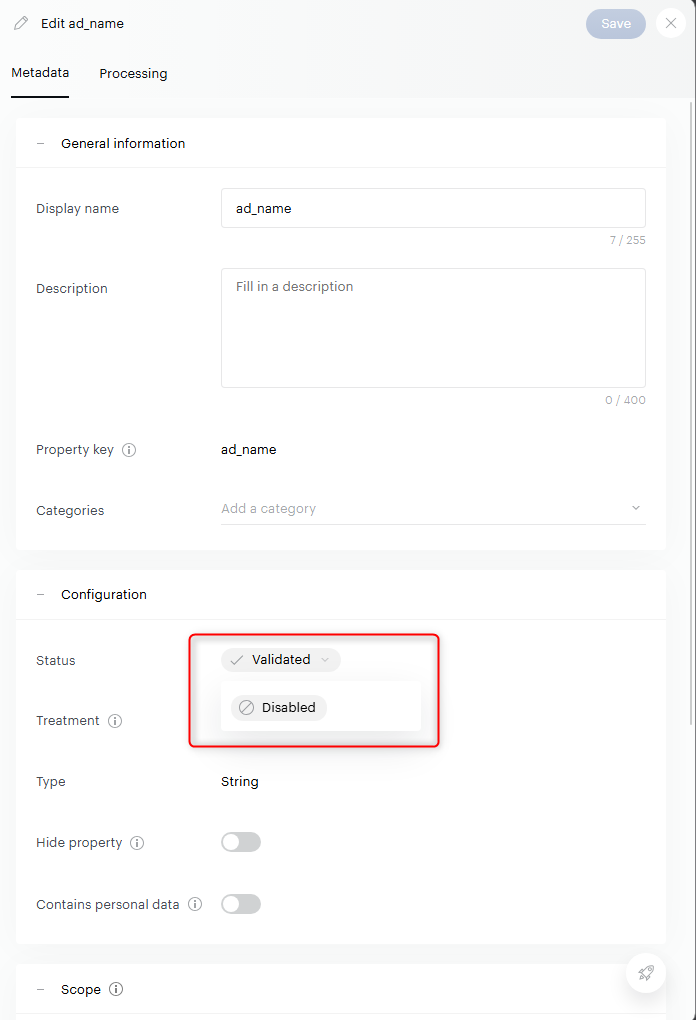
Disable the old property by changing its status to Disabled in Data Model > Properties.
-
Disabling a property preserves historical data that has already been collected.
-
Disabling a property stops further data collection for that property going forward.
-
Disabled properties cannot be reactivated. They remain visible in the Data Model (for example, when filtering by status).
-
Disabled properties free up space in the number of custom properties allocated.
-
-
Create a new property with:
-
A new property key (property keys are unique), and
-
The correct type (for example, changing from
StringtoArray Stringrequires a new property).
-
Note that disabling a property will not allow you to reuse its property key, and it is also not possible to modify an existing property key or delete a property.